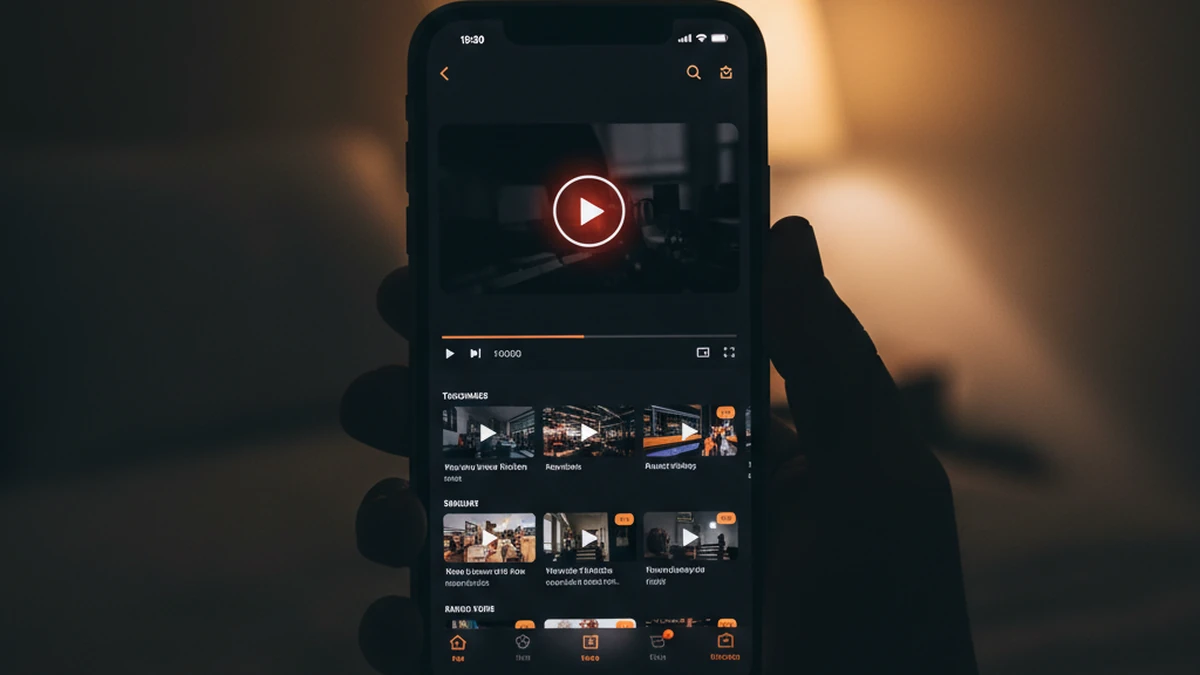
You tap a YouTube link in a group chat. Maybe it's a friend's latest video, a 4 a.m. rabbit-hole recommendation, or a how-to you wanted to watch in bed. Safari opens, m.youtube.com loads — and your retinas get a floodlight to the face. The YouTube mobile website is stubbornly, blindingly white, even with your iPhone set to Dark Mode system-wide.
"Every time I open a YouTube link from Messages on my iPhone at night, I get a wall of white. I don't want to install the YouTube app just to avoid a white flash."
In this guide we fix that in two minutes. You will learn how to force a true dark mode on the YouTube mobile website in iPhone Safari — covering m.youtube.com, youtube.com (desktop-mode), YouTube Shorts, YouTube Music web, and embedded YouTube players on other sites. No YouTube account, no YouTube app, no iOS jailbreak.
Why YouTube Stays White in Safari (Even With iOS Dark Mode On)
iOS system Dark Mode only darkens Apple's own UI — menus, the Safari toolbar, the keyboard. The instant Safari paints an actual webpage, the website's own CSS takes over. YouTube's mobile site does have a dark theme, but it's gated behind three conditions:
- You must be signed in to a Google account on m.youtube.com.
- Inside the account avatar menu you have to manually pick Appearance → Dark. The default is "Use device theme," which is unreliable on mobile Safari.
- The setting is stored in a cookie. Clear Safari's cookies, open a private tab, or visit through a shared link with an unusual query string — and you are back to white.
Worst of all: a huge chunk of YouTube views on mobile Safari happens logged-out — shared links, embeds, 'Open in private browsing' taps. Logged-out YouTube is always light. Until now.
The 2-Minute Setup: Dark YouTube in Safari
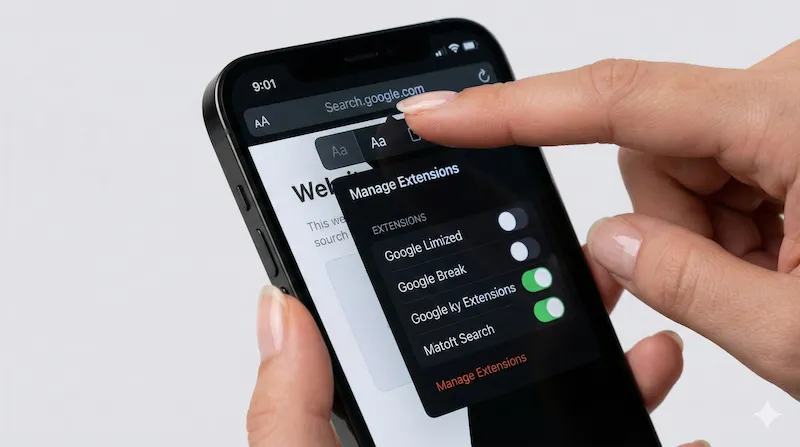
A Safari Web Extension fixes all of the above at once. It rewrites colors at the browser layer, so it doesn't care whether you are logged in, what cookies are set, or whether you use m.youtube.com, youtube.com, music.youtube.com or an embed.
What Actually Stays Original-Color?
This is where a native Safari extension earns its keep. A naive color-invert tool (like iOS Smart Invert) would ruin the YouTube experience — red play buttons become aqua, thumbnail skin tones turn blue, channel banners look radioactive. Noxri's Smart Invert engine only repaints page backgrounds and text. The following stay exactly as they were:
- Every video thumbnail, including Shorts and chapter previews
- The red YouTube play button and red progress bar
- Channel avatars, channel banner art, and community post images
- Verified checkmarks and members-only badges
- Embedded video players on third-party blogs and news sites
- The live-chat Super Chat color rings
YouTube Dark Mode on Safari: Your Three Real Options
| Option | Noxri in Safari | YouTube.com Native Theme | Smart Invert (iOS Accessibility) |
|---|---|---|---|
| Requires Google account | No | Yes, to persist | No |
| Works on logged-out shared links | Yes, always | No | Yes, but colors wrong |
| Works on embedded YouTube on other sites | Yes | No (embed uses its own theme) | Partially |
| Preserves thumbnails & play button | Yes (Smart Invert) | Yes | No — full color flip |
| OLED true-black (#000000) | Yes | Dark gray only | Yes |
| Survives clearing Safari cookies | Yes | No (resets to light) | Yes |
YouTube Shorts in the Safari Player
YouTube Shorts inherits m.youtube.com's theme. Logged out? You get bright white, scroll after scroll after scroll — and Shorts is specifically designed for one-handed late-night scrolling. With Noxri on, every Shorts vertical player sits on a pure #000000 backdrop, which on OLED iPhones means the side padding literally switches off. That saves battery measurably on a long Shorts session — see our OLED battery deep dive for the numbers.
YouTube Music on the Web
music.youtube.com is a common blind spot. If you play music through the web client (to avoid the YouTube Music app's battery use or storage), the logged-out home page defaults to light. Worse, shared playlist links from friends often land you on a bright "Sign in to continue" wall. Noxri darkens all of it — including the login wall, shared album pages, and the queue drawer.
Battery Savings on Late-Night Watching
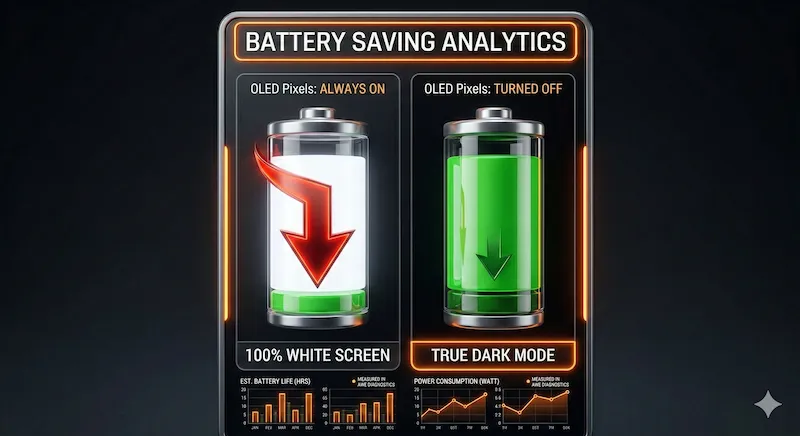
On any iPhone 12 or later — all OLED — a pure black background physically switches pixels off. Watching 30 minutes of YouTube with a white UI at max brightness costs roughly 8–10% battery. The same session with a true-black dark mode applied lands closer to 4–5%. Over a bedtime hour-long binge that is the difference between waking up at 78% and waking up at 71%. It adds up fast if you watch daily.
YouTube Dark Mode on Safari iPhone: FAQ
References & Further Reading
-
[1] Apple Developer Documentation. "Safari Web Extensions on iOS."
Apple Documentation → -
[2] Google Support. "Change YouTube Settings — Appearance."
YouTube Help Center → -
[3] Dolphin, C. et al. "OLED Power Consumption and Dark User Interfaces." Purdue University, 2018.
Research Paper →
Watch YouTube without the retina burn.
Install the free Noxri extension — every YouTube tab, Short and embed opens in comfortable dark mode on Safari.
Download Noxri from the App Store