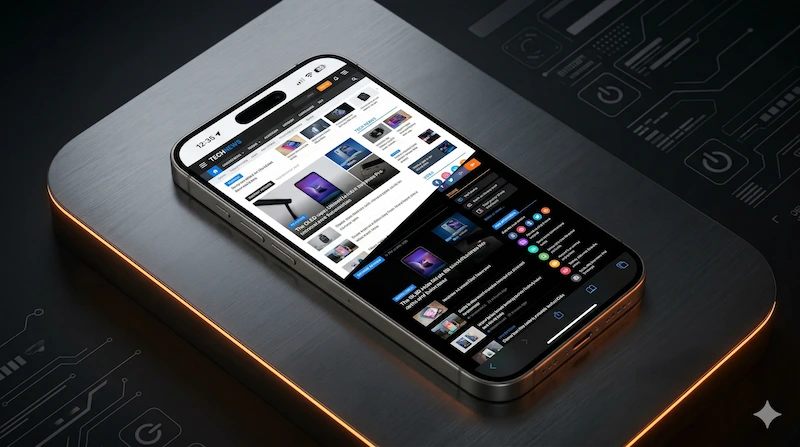
If you are a night owl who frequently browses the web on a PC or Mac, you are likely familiar with Dark Reader. It is widely considered the gold standard for inverting bright web pages. However, when users switch to their iPhones, they immediately ask the same question: Where is the Dark Reader extension for iOS Safari?
While porting desktop extensions to mobile is technically possible, it often leads to a sluggish browsing experience and severe battery drain. In this guide, we will explore why generic PC extensions struggle on mobile devices, and why native iOS alternatives like Noxri provide the ultimate solution.
Is There a Dark Reader for Safari on iPhone?
Apple introduced support for Safari web extensions in iOS 15, allowing developers to bring desktop browser plugins to the iPhone. While you can find various dark mode tools in the App Store, using a direct port of a heavy desktop extension often presents significant drawbacks.
The core issue lies in the architecture. Desktop processors are powerful enough to handle complex CSS injections and real-time DOM manipulations without breaking a sweat. Mobile processors, while powerful, operate under strict thermal and battery constraints.
The Problem with PC Extensions on Mobile Safari
When you attempt to use a heavy, non-optimized CSS inverter on an iPhone, you will likely encounter three major pain points:
- Severe Battery Drain: Continuously analyzing and rendering complex website structures drains your iPhone battery rapidly.
- Scroll Lag & Jitter: Heavy scripts block the main thread. On media-heavy sites, scrolling becomes choppy and unresponsive.
- Broken Images & Colors: Basic inversion tools often ruin images, turning human faces blue or breaking website layouts completely.
Why Noxri is the Best Dark Reader Alternative for iOS
To truly solve the problem of bright mobile web pages, you need a tool built specifically and natively for the iOS ecosystem. This is exactly what Noxri was designed to do.
Native Zero-Lag Performance
Unlike generic extensions, Noxri is coded natively for Apple Silicon. By leveraging iOS-specific rendering APIs, it applies dark themes instantly without blocking Safari’s rendering engine. This guarantees buttery smooth scrolling, even on heavy sites like Amazon or Reddit.
Smart Invert Engine
Noxri utilizes an intelligent algorithm to analyze web elements before applying colors. It safely ignores images, videos, and complex UI components, ensuring that while the background turns a comforting dark grey or black, your media remains untouched and natural.
OLED Battery Saving
Noxri is engineered to force a True OLED Black background wherever possible. Because modern iPhones (iPhone 13 Pro and newer) use OLED screens, rendering pure black (#000000) physically turns off those specific pixels, directly extending your battery life during late-night reading sessions.
How to Enable the Dark Reader Alternative on iPhone
Ready to upgrade your mobile reading experience? Getting started with Noxri is incredibly simple:
- Download Noxri from the iOS App Store.
- Open your iPhone Settings app and scroll down to Safari.
- Tap on Extensions, find Noxri, and toggle it On.
- Open Safari, tap the "Aa" icon in the address bar, and grant Noxri permission to run on websites.
Experience True Dark Mode Today
Stop settling for battery-draining extensions or broken website layouts. Switch to the native, lag-free solution built for iOS.
Download Noxri on App Store