Experience Safari in
True Dark Mode

Enable a comfortable dark background on Amazon, Pinterest, and YouTube. The ultimate iPhone night mode extension for Safari on iOS.

Download on App Store
Read our ultimate guide to Safari Dark Mode →

See the Difference

Visual comparison showing a white background webpage versus the comforting True Dark Mode background enabled by Noxri extension.
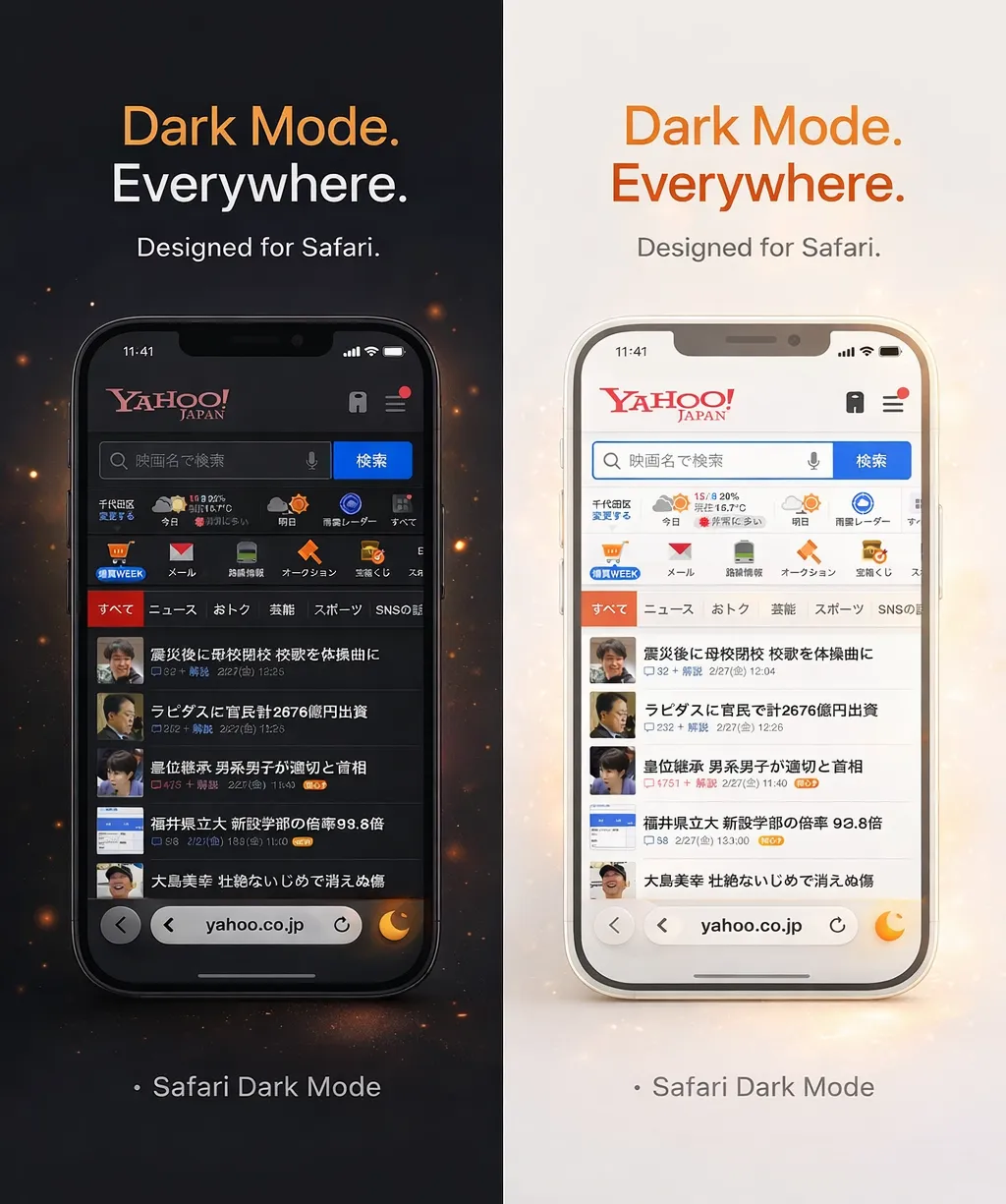
Noxri Light vs Dark Mode side-by-side comparison on iPhone Safari

Smart Invert

Intelligent color processing ensures images and videos retain their natural colors while backgrounds turn dark.

Eye Protection

Reduce blue light and screen glare. Noxri softens bright web pages to prevent eye strain during late-night browsing.

Battery Saver

True black pixels on iPhone OLED screens significantly reduce power consumption during night time browsing.

Privacy First

Noxri runs locally on your device. We do not collect your browsing history or personal data.

Frequently Asked Questions

Is Noxri for iphone dark mode free to use? +

Noxri offers a free core version. Advanced customization features are available via a one-time purchase.

How do I enable Safari Dark Mode on iPhone? +

Download the app, open Safari, tap the 'Aa' menu, select 'Manage Extensions', and toggle Noxri on. For a detailed step-by-step tutorial, check out our Ultimate Guide to Safari Dark Mode.

Does Noxri work on Amazon and YouTube? +

Yes! Noxri forces a dark background on Amazon, YouTube, Pinterest, Roblox, and millions of other websites that don't have a native dark mode.

Is Noxri better than dark reader or noir? +

Yes. While generic PC extensions can drain your battery, Noxri is built natively for iPhone ensuring zero lag. For a detailed comparison, read our Dark Reader Alternative Guide.

Is 'Night Mode' the same as 'Dark Mode'? +

They are often used interchangeably. While iPhone has a system-wide Dark Mode, it doesn't affect most websites. Noxri bridges this gap by applying a true Night Time Mode to Safari web pages.