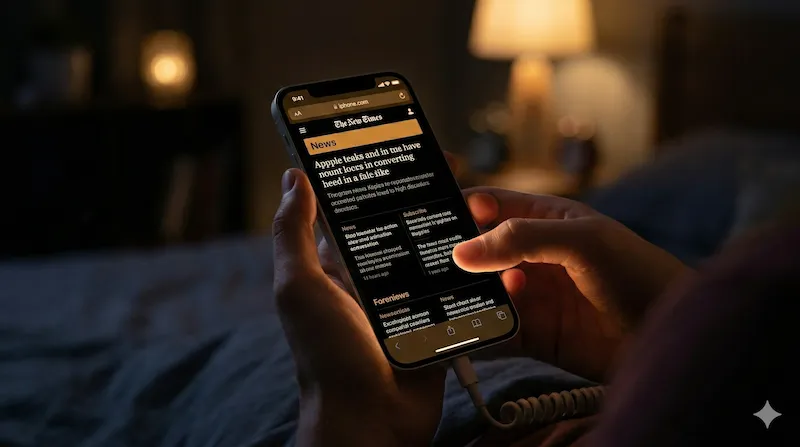
If you are reading this at night, the glaring white light from your iPhone screen is probably hurting your eyes. While Apple provides a system-wide setting, true Safari dark mode remains elusive for millions of websites like Amazon, Wikipedia, and Pinterest. That is exactly why we created Noxri. In this comprehensive guide, we will explore why you need a night time mode, the limitations of iOS, and how to instantly solve this problem using the ultimate Safari dark mode extension.
What Exactly is Safari Dark Mode?
There is a massive concept confusion among iOS users. When you go to your iPhone's Control Center and turn on "Dark Mode", it only changes the UI (User Interface)—the menus, the address bar, and the keyboard turn black. However, the actual webpage content remains unchanged.
If a website developer hasn't manually coded a dark theme for their site, Safari will render it with a blinding white background. True Safari dark mode means utilizing a tool to dynamically inject CSS and force a dark background on every single website you visit.
Why You Need a Dark Background for iOS Safari
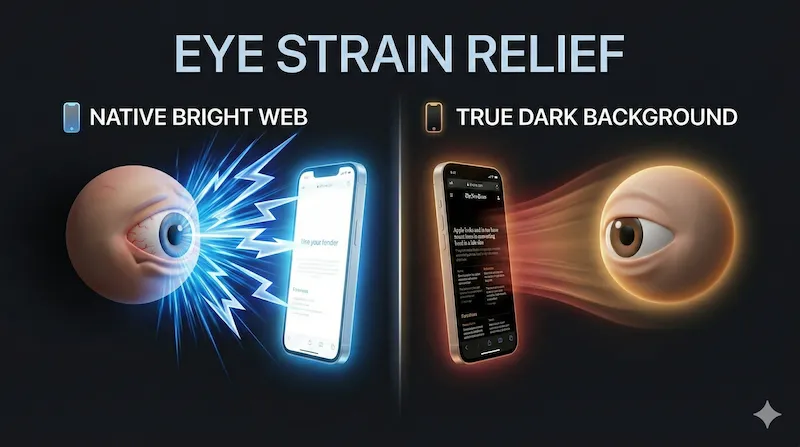
1. Relieve Eye Strain During Night Reading
Staring at a bright screen in a pitch-black room causes digital eye strain (Asthenopia). Symptoms include dry eyes, blurred vision, and headaches. By applying a dark theme, you drastically reduce the contrast between your screen and the surrounding environment, allowing your pupils to relax.
2. Save iPhone Battery Life on OLED Screens
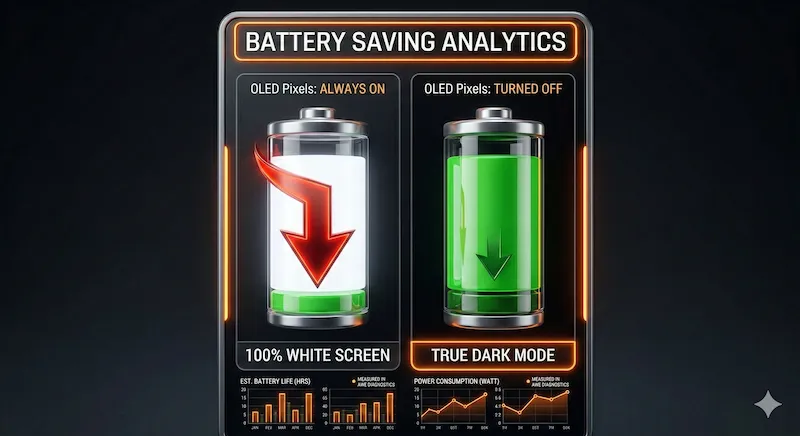
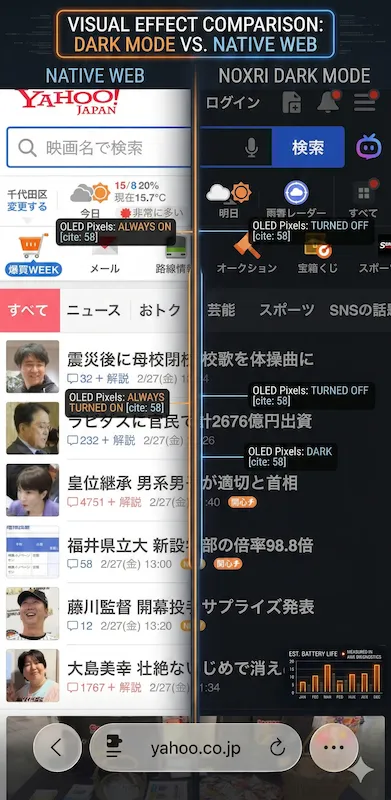
Modern iPhones (iPhone X and newer, excluding SE models) use OLED displays. Unlike older LCD screens that use a universal backlight, OLED screens light up individual pixels. When a pixel is black, it is literally turned off. Therefore, browsing the web with a dark background is not just aesthetic—it is a scientifically proven way to extend your battery life.
How to Enable Dark Mode on Safari (Fast Setup)
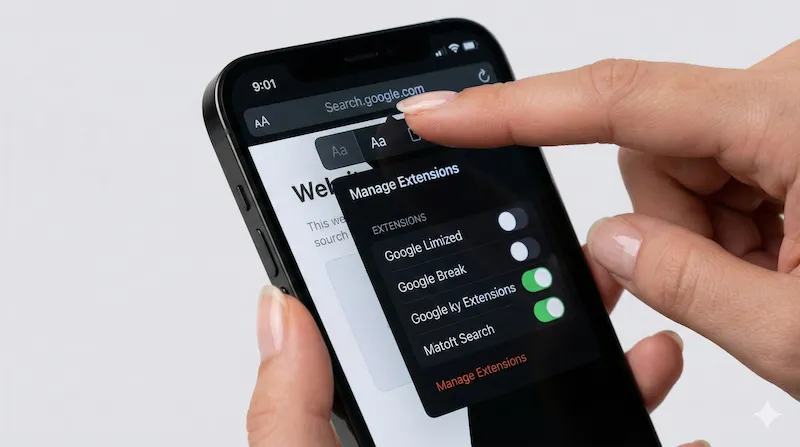
To fix the glaring white pages, you cannot rely on Apple's default settings. You need to leverage iOS 15's biggest feature: Safari Web Extensions. Here is the fastest way to get it working:
- Open the App Store and search for a dedicated extension.
- Download the app to your iPhone or iPad.
- Open Safari, tap the 'Aa' icon in the address bar.
- Tap 'Manage Extensions' and toggle the extension ON.
- Grant permission for it to read webpage content (this is required to change colors).
Meet Noxri: The Best Safari Dark Mode Extension
While there are several options available, we engineered Noxri to be the most seamless, performant, and privacy-respecting tool on the market. Let's look at the Noxri core features that set it apart.
Smart Invert Engine for Natural Images
Basic extensions simply invert all colors. This turns a white background black, but it also turns a beautiful sunset photo into a blue alien landscape. Noxri uses a proprietary Smart Invert Engine that analyzes the DOM (Document Object Model), ensuring that backgrounds go dark while photos, videos, and avatars retain their natural, true colors.
100% Local Processing for Ultimate Privacy
When you grant an extension permission to read webpages, privacy is paramount. Noxri is built with a strictly local architecture. Your browsing history, passwords, and data never leave your device. We don't have servers to store your data, even if we wanted to.
Noxri vs. Other App Store Dark Mode Apps
How does Noxri compare to other popular names like Dark Reader or Noir? As a specialized iOS Safari extension, we focus purely on the mobile Apple ecosystem.
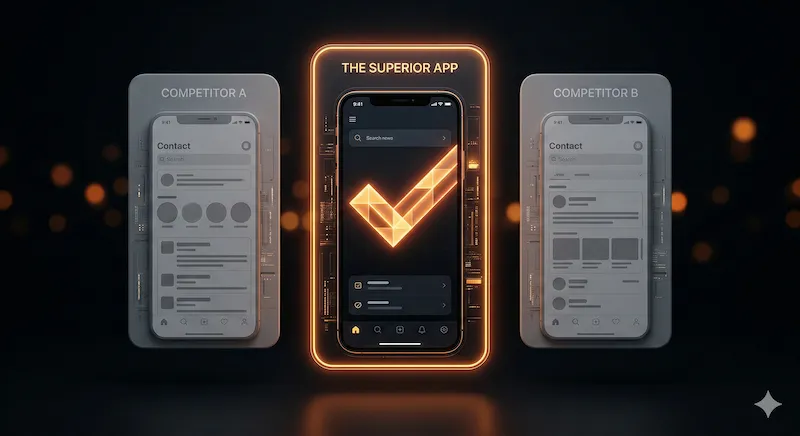
| Feature | Noxri | Generic PC Ports | Premium Only Apps |
|---|---|---|---|
| Performance (Lag) | Zero Lag (Native iOS Code) | Heavy (Causes scrolling stutter) | Fast |
| Smart Image Invert | Yes, AI-assisted | Inconsistent | Yes |
| Pricing | Free Core Version | Paid or Subscription | Paid Only ($2.99+) |
| Privacy | 100% Local | Varies | 100% Local |
Stop the Glare and Protect Your Eyes Today
Browsing the web at night shouldn't feel like staring into a flashlight. By equipping your iPhone with a purpose-built tool, you can instantly upgrade your reading experience, protect your vision, and save battery life.
Ready to experience the true dark web?
Join thousands of night owls who have already upgraded their Safari browser.
Click here to download Noxri